Recipients choice and channel
Recipients choice and channel
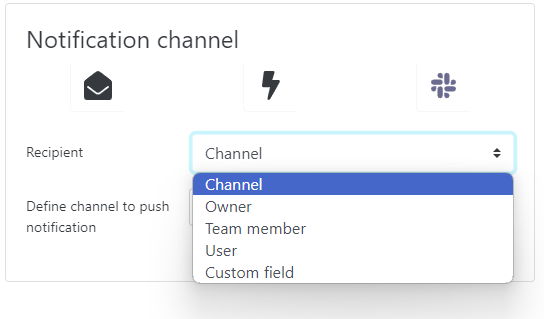
When you create an alert, you need to choose the notification channel: email, Slack or webhook (the latter allowing you to notify a third-party application).
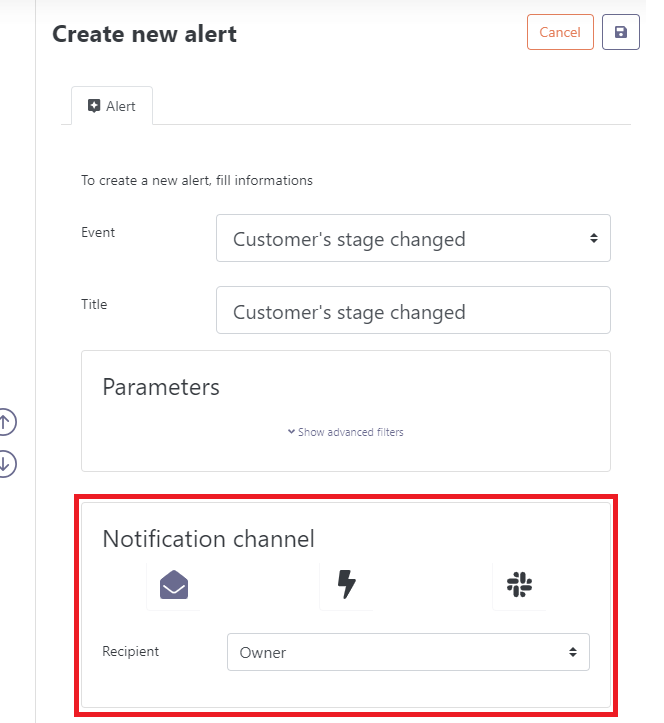
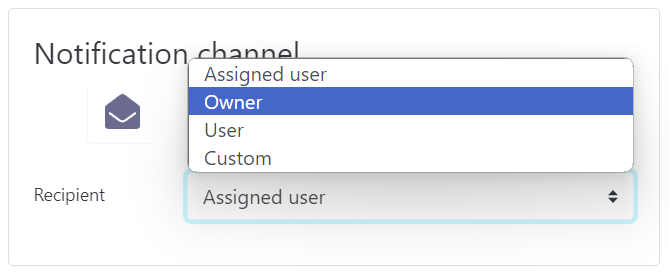
Depending on the chosen channel and the type of alert, recipient options are slightly different. By email or Slack, you can choose between 6 options:
- Owner: sent to the account owner.
- Team member: sent to all persons defined as Team Members in the customer account.
- User: sent to one or more defined users to be selected from a drop-down list.
- Custom field: sent to a user defined in a custom user field.
- Custom: sent to a specific email address that you manually type.
- Assigned user (for task-related alerts only): sent to the user assigned to the task.
If you choose to be notified on Slack, the notion of channel appears. This allows you to receive notifications on the (public) channel of your choice. Skalin defaults it to the channel you chose during Slack integration, but you are free to change it.