User Settings
User Settings
# Managing Custom Fields
Custom fields let you extend Skalin with your own business data: customer tier, renewal owner, contract-specific information... Once created, these fields are available in filters, saved views, and playbooks.
For full setup instructions, see Key Concepts: Filters, Tags and Custom Fields.
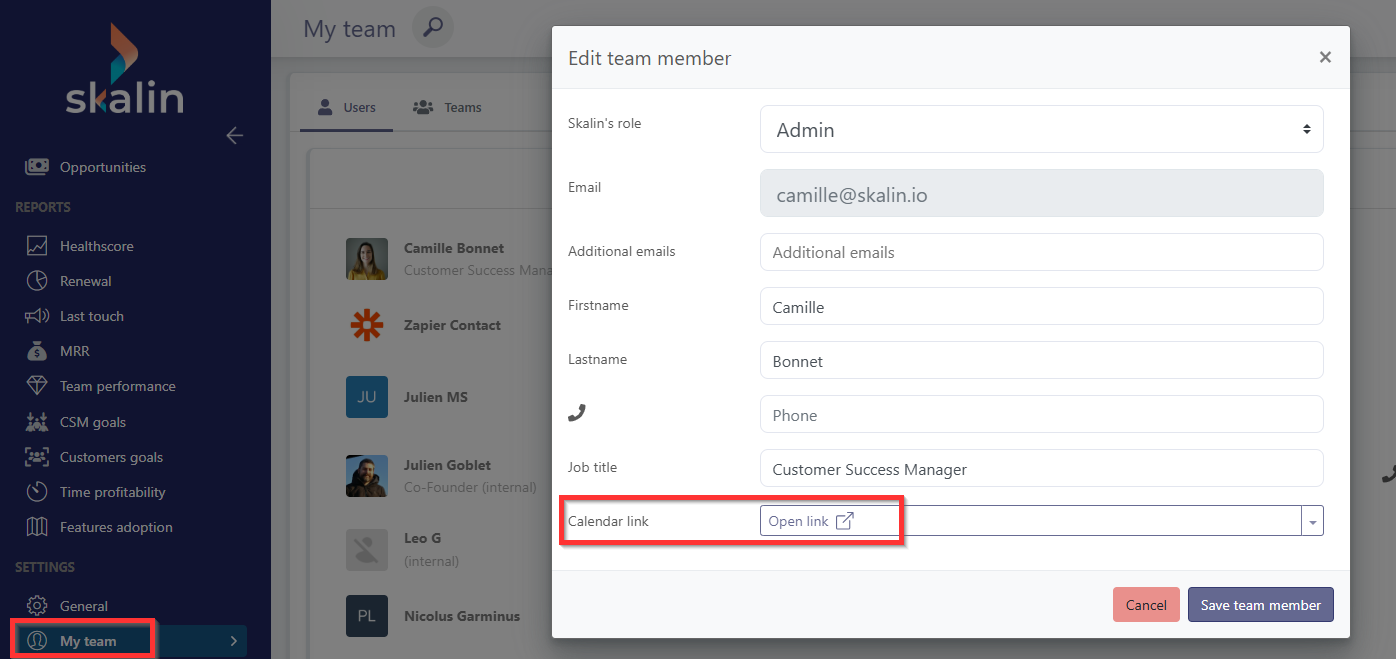
Custom fields associated with users can then be filled in directly from user profiles in Team > My team. You can also find the content of these fields in playbooks.
# Example of a custom field at the User level
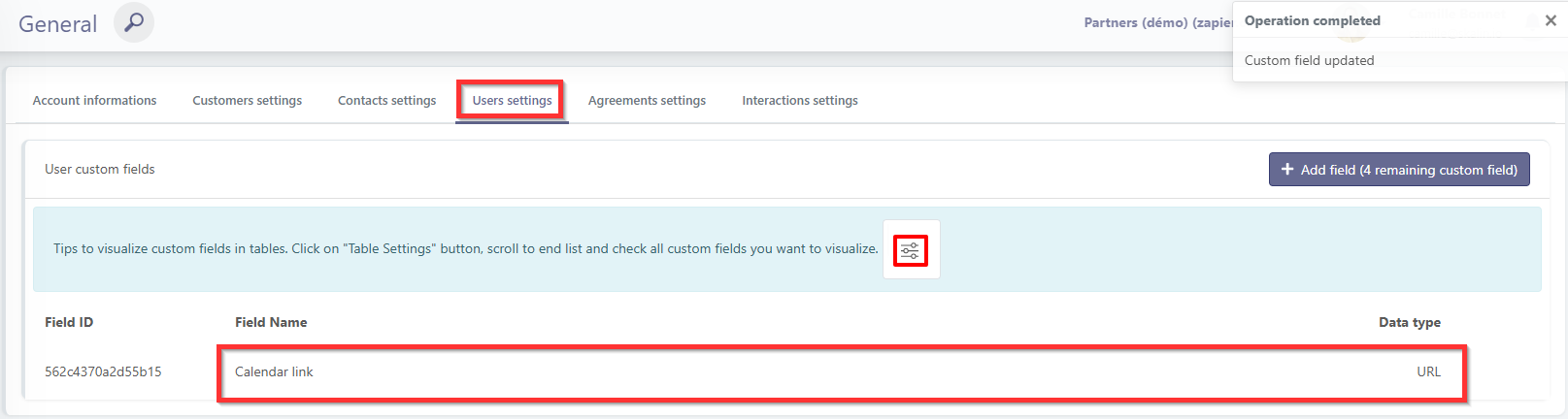
You can add a URL-type field called "Calendar link", then add on each CSM the link to their calendar booking page.
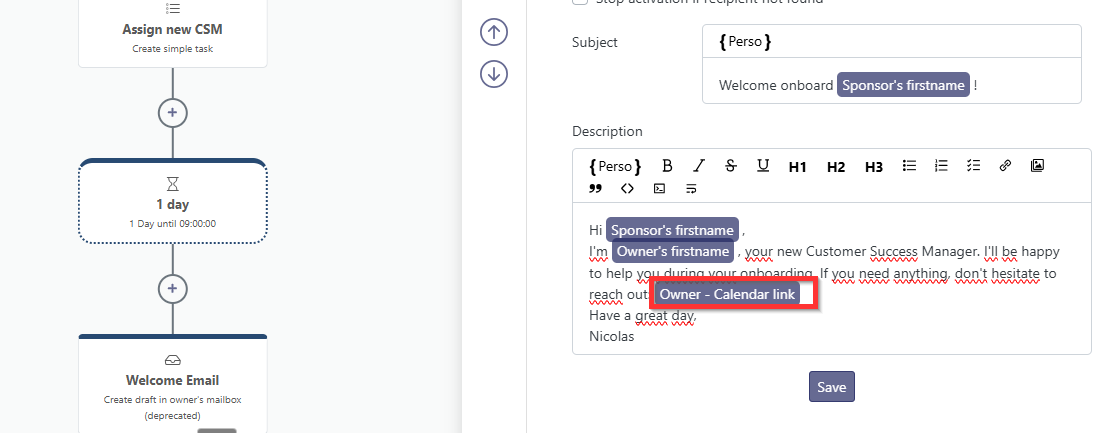
 In playbooks, add a dynamic link in your emails to customers pointing to the calendar link of the CSM who owns each account.