Daily tasks
Daily tasks
Here you can see only those tasks that are overdue or due on today's date. This section is not intended to be exhaustive, but to help you achieve the deadlines you have defined in your Playbooks, tasks, or task projects.
Note
By default, Skalin displays 25 items per category, i.e., a maximum of 25 tasks. You can edit this by clicking on  at the top right of the page.
Simply click on the button displaying the status ("To do" by default) to update it:
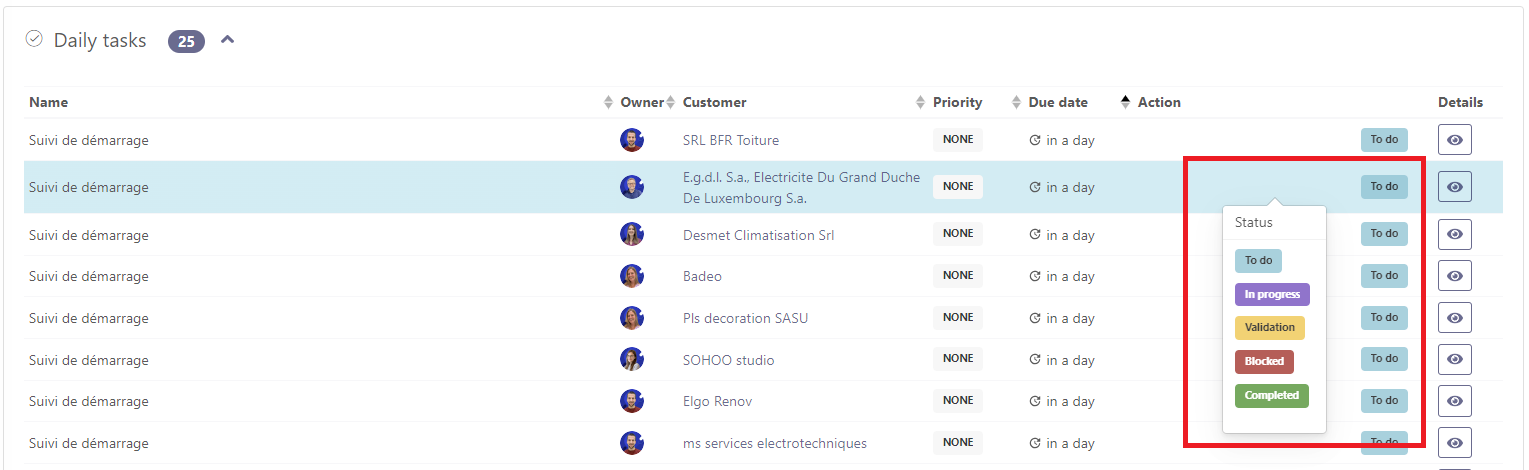
Click on  to access and modify detailed information.
Note
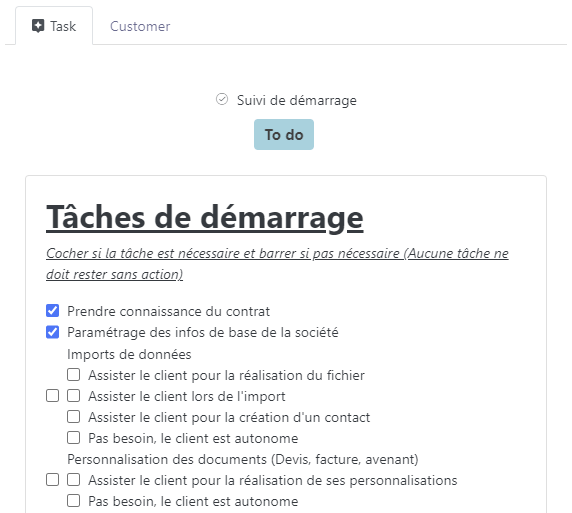
Checklist-based task descriptions work well and can be updated without having to edit the task itself!