Manual triggering
Manual triggering
Generally speaking, your Playbooks are triggered according to the trigger you've defined - except in the case of manual triggers. However, it is possible to force a Playbook to be triggered from time to time.

You can then select a particular customer and trigger your Playbook by clicking on "Run Playbook" :
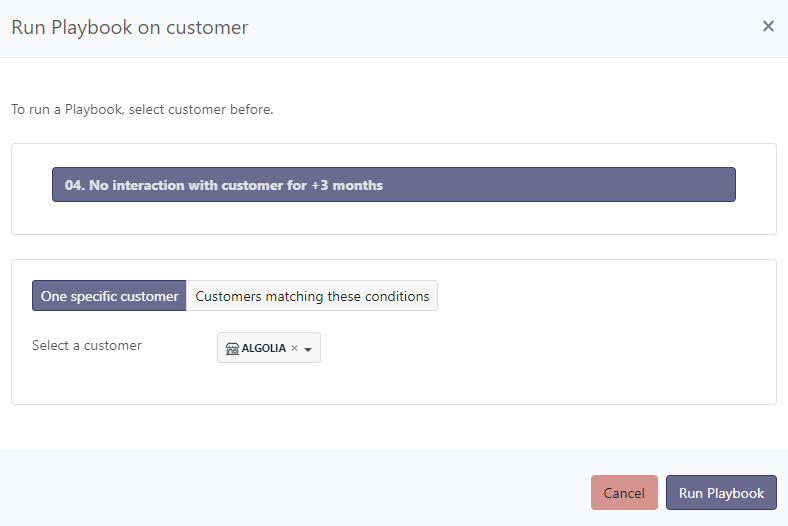
Alternatively, you can target all customers who match one or more conditions. In the example below, I want to target all customers who are in "Run" and belong to my "High-Touch" segment. Once you've defined your criteria, click on "Preview Targets" to preview the accounts you're about to target, then click on "Run Playbook" to confirm.

Last touch, Last user touch and End date
Among the criteria available to target customers, a few are easily confused:
- Last touch: date of the last contact received from the customer. This criterion also includes messages sent by the customer to non-Skalin members (for example exchanges surfaced through your CRM).
- Last user touch: date of the last email, call or meeting with a Skalin user.
- End date: in the contract information, this value corresponds to the end date of the active contract. Contracts still waiting to start (pending) are not taken into account.